 Help Center
The Inline Manual Builder lets you build Driver.js tours visually—without coding and without logging in or creating an Inline Manual account.
When you're done, you can download a Driver.js JSON configuration and use it directly in your app. You can also upload the JSON later to continue editing.
Learn more about using Driver.js with Inline Manual: https://inlinemanual.com/driverjs/
1) Install the Builder
Install the Builder extension from the Chrome Web Store:
Inline Manual Builder (Chrome Web Store)
2) Create a Driver.js tour
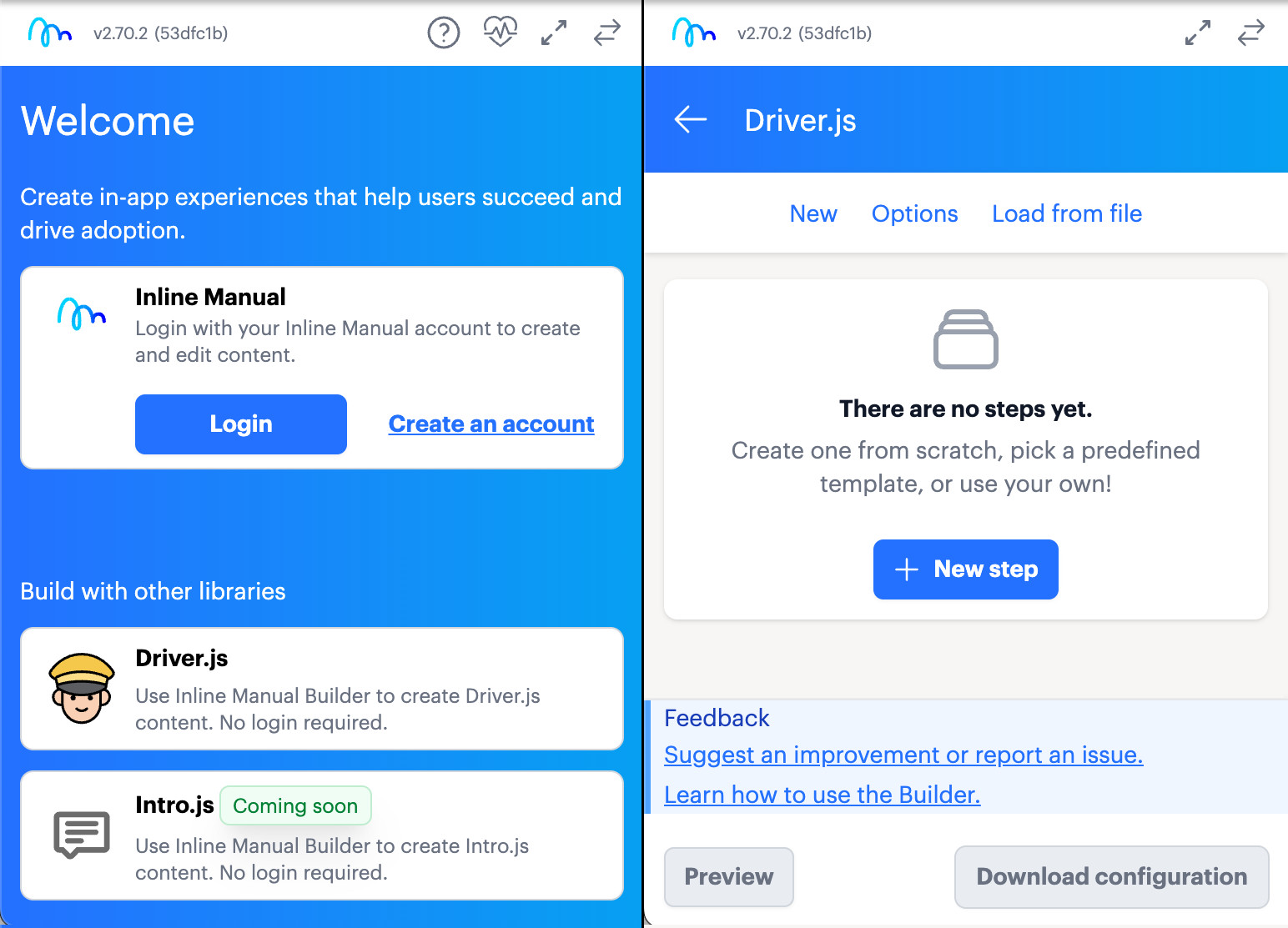
- Open your web app and click the Builder extension icon in your browser toolbar.
- Choose Driver.js.
- Go to Options to set global tour options (these apply to the whole tour).
- Click New step to add steps to your tour.
3) Configure steps
When a step is selected, the Builder shows step-specific settings, such as:
- Element: assign the target element (selector).
- Side and Align: control where the popover appears.
- Content: write the step text in the editor.
4) Download your Driver.js JSON
Click Download configuration to export your tour as a JSON configuration.
5) Upload a JSON to continue editing
To keep working on an existing tour, choose Load from file and upload the JSON you downloaded earlier.
Feedback / report a bug
Suggest an improvement or report an issue here: